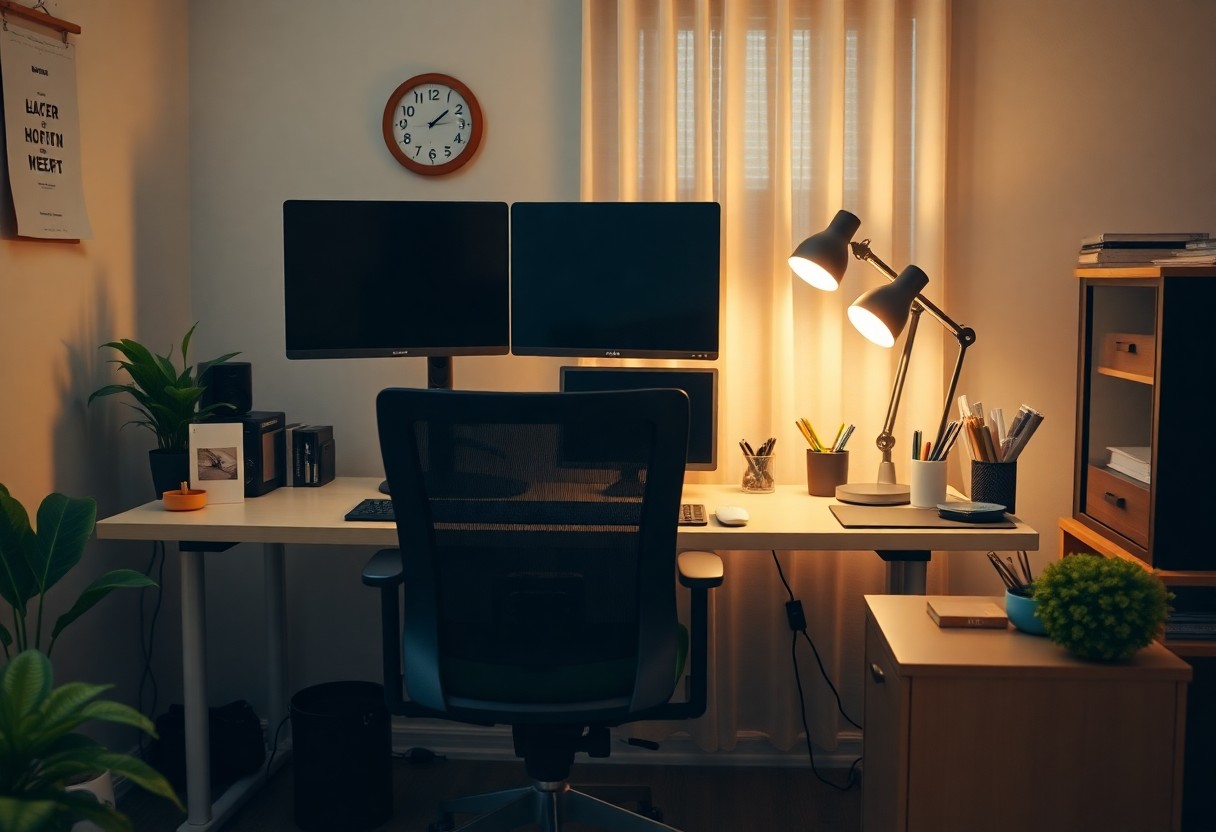
Many individuals are transitioning to remote work, making it necessary to establish a comfortable and efficient home office setup. Your work environment can significantly impact your productivity and overall well-being, which is why understanding ergonomics is vital. By optimizing your workspace with proper furniture, equipment placement, and usage habits, you can effectively reduce strain and fatigue. This guide will provide you with practical tips to enhance your home office ergonomics, ensuring you work efficiently while maintaining your health.
Key Takeaways:
- Ensure your workstation promotes neutral body positions to reduce strain.
- Use ergonomic furniture and tools, such as adjustable chairs and desks, to support comfort.
- Incorporate regular breaks and stretching to maintain physical wellbeing during remote work.
Importance of Ergonomics in Remote Work
Impact on Health
Ignoring ergonomics while working from home can lead to a range of health issues. A poorly designed workspace can result in musculoskeletal disorders, which affect your neck, back, and wrists. The American Occupational Therapy Association states that improper posture and repetitive motions can lead to chronic pain, making it difficult for you to maintain comfort during your workday. Suboptimal seating can exacerbate these problems, leading to fatigue and even headaches due to poor neck alignment.
Additionally, you may experience eye strain from excessive screen time without proper distance and lighting. The Vision Council reports that over 80% of adults experience digital eye strain, with symptoms including dry eyes and blurred vision. These health issues directly impact your ability to work effectively, making it crucial to prioritize an ergonomic setup.
Benefits for Productivity
Investing in an ergonomic workspace can significantly boost your productivity. A comfortable work environment minimizes distractions caused by discomfort and pain, allowing you to focus better on tasks. Research from the Cornell University Human Factors and Ergonomics Research Institute suggests that well-designed workspaces can enhance productivity by up to 11%. You’ll likely find yourself completing tasks more efficiently when you are not constantly adjusting your posture or dealing with pain.
Moreover, an ergonomic setup can lead to increased energy levels throughout your workday. When your body is properly supported, you can enjoy sustained focus and immersion in your work without the fatigue associated with poor ergonomics. By prioritizing your physical well-being, you create a more efficient workflow, paving the way for improved job satisfaction and overall performance.

Key Elements of a Proper Home Office Setup
Desk and Chair Selection
Your desk and chair are foundational to an effective home office. When selecting a desk, aim for one that allows your elbows to remain at a 90-degree angle while typing, with the keyboard positioned just below your elbow height. An ideal height for most desks ranges from 28 to 30 inches. Consider options with adjustable features, which can accommodate different tasks and preferences. For chairs, look for models that support your lower back and allow for adjustments in height, seat depth, and armrests. A chair with a waterfall edge seat can help promote circulation and reduce pressure on your legs.
Monitor Positioning
The positioning of your monitor is imperative for reducing eye strain and neck pain. Your screen should be at eye level so that you do not have to tilt your head up or down to see it. Typically, the top of your monitor should be at or just below eye level, about 20 to 30 inches away from your face. This distance helps reduce glare and encourages a comfortable viewing angle, minimizing neck strain.
Essential Tools and Accessories
Ergonomic Keyboards and Mice
Investing in ergonomic keyboards and mice can significantly improve your comfort while working from home. Standard input devices can lead to strain on your wrists and forearms, resulting in discomfort or injuries like carpal tunnel syndrome. Ergonomic keyboards, designed with a curved or split layout, promote a more natural hand position, allowing you to type with less strain. Similarly, an ergonomic mouse supports your hand’s natural contour, reducing stress on your wrist and improving overall grip.
Look for features such as adjustable height and tilt angles in your keyboard, which let you find the ideal position for your hands. Additionally, consider mice with a vertical design that keeps your wrist in a neutral position. Research shows that users of these ergonomic tools often report decreased pain and increased productivity, making them a worthwhile addition to your home office setup.
Laptop Stands and Document Holders
Laptop stands and document holders are imperative for aligning your screen at eye level and reducing neck strain. With most laptops sitting too low on desks, users often find themselves hunching over, which can cause long-term posture problems. A laptop stand elevates your device, allowing you to maintain a more upright posture and reduce the stress on your neck and back. Look for adjustable stands that offer various height options to suit your individual needs.
Document holders can also enhance your setup by keeping reference materials at eye level, which reduces the need to constantly look down. This dual setup encourages better alignment and ease of access, ultimately minimizing unnecessary movement and fatigue. Consider investing in holders that are adjustable or have a non-slip surface to securely position your documents.
Combining laptop stands with document holders promotes a more ergonomic workspace by creating a streamlined and organized environment. This not only enhances your visibility of materials but also encourages a healthy workstation setup that adapts to your needs throughout the day.
Best Practices for Maintaining Ergonomics
Proper Posture Techniques
Maintaining proper posture is important for preventing discomfort and long-term health issues. Position your feet flat on the ground or on a footrest, and keep your knees at or below hip level. Your back should be straight and supported by your chair, with your shoulders relaxed and elbows close to your body at a 90-degree angle. It’s important that your computer screen is at eye level to avoid straining your neck; use a monitor riser if necessary, ensuring you don’t have to tilt or lean forward.
When typing, keep your wrists in a neutral position—avoiding excessive bending or extension helps prevent strain. Utilizing an ergonomic keyboard or wrist support can further enhance comfort. Be conscious of your habits: take a moment to check your posture throughout the day to ensure you are aligned properly and not developing any harmful habits as fatigue sets in.
Regular Breaks and Exercises
Incorporating regular breaks into your work routine is key to maintaining satisfaction and reducing the risk of repetitive strain injuries. Aim to stand, stretch, or walk for a few minutes every hour. Taking short breaks not only alleviates physical tension but also enhances focus and productivity when you return to your tasks. Simple stretches for your neck, shoulders, and back can offset the effects of prolonged sitting.
Activities like wrist rotations and shoulder rolls can easily be performed right at your desk, requiring just a minute or two. Engaging in brief one- to five-minute exercises can improve circulation and allow for much-needed mental refreshment. Plan your breaks strategically, such as during calls or meetings where you can stand up without impacting communication.
In addition to these micro-breaks, consider scheduling longer breaks throughout your day, where you can step away from your workspace entirely. A brief walk outside can be invigorating, providing a change of scenery and fresh air. Participating in more active stretches or brief workouts can enhance muscular endurance and overall well-being, creating a healthier work-from-home experience that fosters longevity in your career. Incorporating these habits consistently can lead to significant improvements in both physical health and workplace productivity.
Customizing Your Workspace
Personalization for Comfort
To create a workspace that enhances your productivity, personalization is key. Consider the positioning of your desk and chair; they should allow your feet to rest flat on the floor and your elbows to be at a 90-degree angle when typing. You might find it helpful to add cushions or lumbar support to your chair for improved comfort. Choosing desk accessories that reflect your personal style can also create a more inviting atmosphere. Elements like plants or personal photos not only beautify the space but can also enhance your mood, making it easier to stay focused.
Adjusting to Different Tasks
Your workspace may require adjustments depending on the tasks at hand. For instance, if you are reading documents, positioning materials at eye level can reduce neck strain. Switching between tasks like typing and videoconferencing means that your body posture might need to change frequently. Utilizing a sit-stand desk can be beneficial, allowing you to adjust your position throughout the day. This variability can help reduce fatigue and improve circulation, making it easier to maintain your energy levels.
In addition, consider utilizing tools such as document holders or monitor risers to achieve optimal viewing angles. A document holder should align with your monitor to prevent awkward neck movements, which can lead to discomfort. Implementing these adjustments based on specific tasks will optimize your ergonomic setup, ultimately enhancing your overall work efficiency. For further insights on maintaining an ergonomic workspace, explore Ergonomics & Safety When Working Remotely.
Common Mistakes to Avoid
Poor Workspace Design
Your workspace directly impacts your productivity and well-being. A common mistake is neglecting the arrangement of your desk, chair, and computer equipment. For instance, working at a desk that is too low or too high can strain your neck and back, leading to discomfort and reduced focus. Ensuring that your monitor is at eye level and your chair supports your natural posture is vital, as improper alignment can result in musculoskeletal disorders over time.
Neglecting Movement
Sitting for prolonged periods can be detrimental to your health, increasing the risk of fatigue, poor circulation, and musculoskeletal disorders. A common error is failing to incorporate regular movement into your workday. Simply standing up and stretching every hour can significantly improve your circulation, boost your energy levels, and enhance your focus. Implementing short walks or quick exercises can break the monotony and alleviate tension, leading to improved productivity.
Final Words
So, ensuring your home office setup prioritizes ergonomics is necessary for optimizing your health and productivity. By selecting the right furniture, positioning your screen at eye level, and maintaining proper posture, you can significantly reduce the risk of discomfort and injury. Taking these steps empowers you to work more efficiently while fostering a healthier work environment.
Additionally, incorporating regular breaks and stretching into your routine can further enhance your well-being during remote work. The way you arrange your workspace directly impacts your overall performance and comfort. By applying ergonomic principles, you set yourself up for success, allowing you to focus on your tasks with enhanced energy and concentration.
FAQ
Q: What are the key ergonomic principles for setting up a home office?
A: Key ergonomic principles include positioning your monitor at eye level to prevent neck strain, using an adjustable chair that supports your lower back, and ensuring your feet are flat on the floor or supported by a footrest. Maintain a straight posture with elbows at a 90-degree angle while typing.
Q: How can I reduce eye strain while working from home?
A: To reduce eye strain, follow the 20-20-20 rule: every 20 minutes, look at something 20 feet away for at least 20 seconds. Adjust the brightness of your screen to match ambient lighting, and consider using anti-glare screens or blue light filters.
Q: What accessories can improve my remote work ergonomics?
A: Useful accessories include an ergonomic chair, a sit-stand desk, adjustable monitor stands, keyboard and mouse pads with wrist support, and a footrest. These items help maintain optimal posture and comfort during prolonged work hours.
Leave a Reply