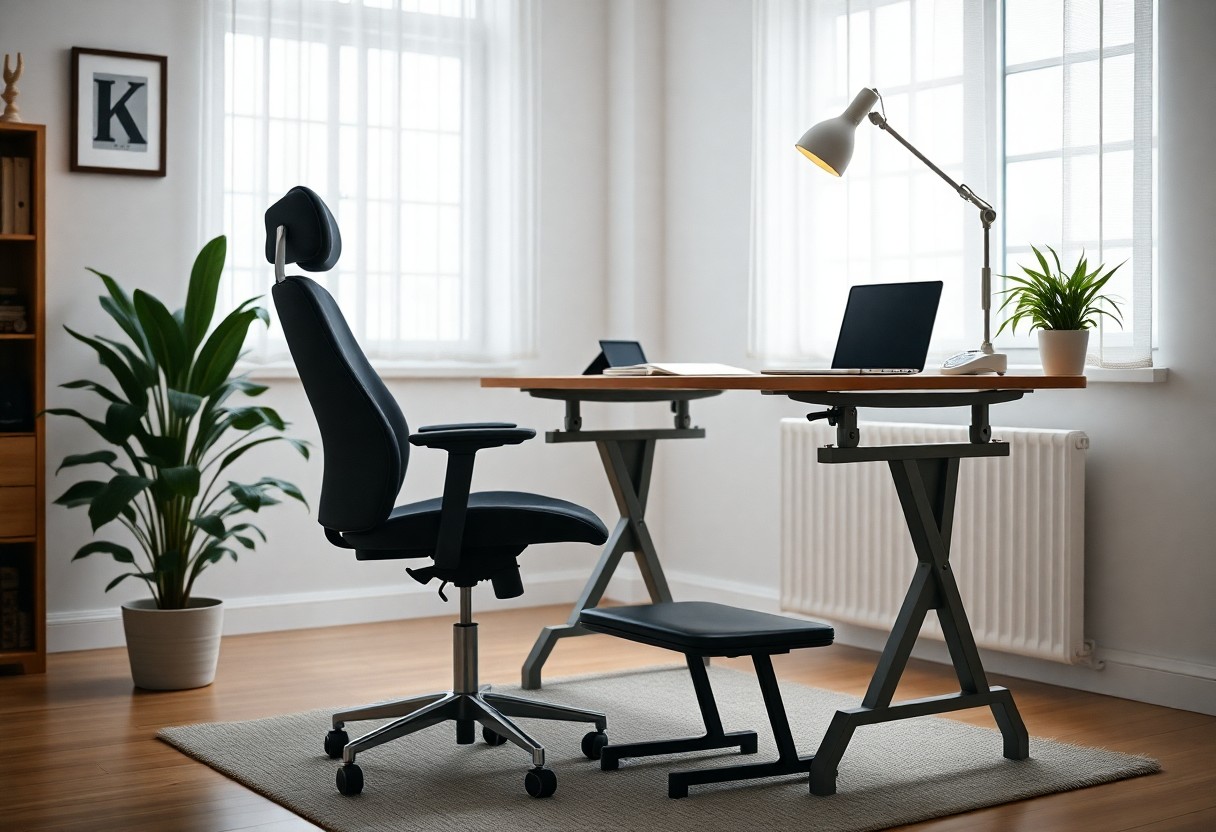
Just because you work from home doesn’t mean your setup is safe or effective. To enhance productivity and minimize discomfort, it’s crucial to understand the principles of ergonomics in your home office. Adjusting your chair and desk correctly can prevent long-term injuries and boost your well-being. By creating a workspace that supports your body, you can enjoy a more comfortable and efficient work experience. Follow the guidelines provided in this post to optimize your home office ergonomically.
Key Takeaways:
- Maintain an ergonomic chair and desk height to support good posture.
- Position computer screens at eye level to reduce neck strain.
- Incorporate regular breaks and movement to prevent fatigue and discomfort.
Understanding Ergonomics
Definition and Importance
Ergonomics refers to the science of designing your workspace to fit your needs, ultimately enhancing your comfort and productivity. When you take ergonomics into consideration, you not only reduce discomfort but also prevent injuries that can arise from prolonged use of improperly set up workspaces. A well-structured ergonomic environment can lead to increased focus and efficiency, resulting in a significant boost to your overall work performance.
Studies indicate that implementing ergonomic practices can decrease absenteeism due to work-related injuries by as much as 40%. The importance of ergonomics extends beyond immediate comfort; it fosters long-term health benefits by mitigating issues like repetitive strain injuries and chronic pain syndromes. By providing a tailored workspace, you’re not just investing in short-term solutions, but also in your long-term well-being.
Common Ergonomic Risks in Remote Work
In the context of remote work, several ergonomic risks can arise from an inadequate home office setup. You may find yourself using a makeshift desk, such as a dining table or couch, which can lead to poor posture and increased strain on your body. When your screen is not at eye level, or your chair doesn’t provide lumbar support, the likelihood of discomfort and injury escalates. These seemingly minor oversights can accumulate and manifest as significant pain and mobility issues over time.
Moreover, the absence of proper tools such as keyboard trays or monitor risers can heighten the risk of developing musculoskeletal disorders. Familiarizing yourself with these risks allows you to take proactive measures; for instance, maintaining a neutral ergonomic position can prevent neck and back pain. Engaging in stretching exercises during breaks also promotes circulation and reduces fatigue.
In addition to physical risks, you may encounter mental stress due to a poorly designed workspace. If your setup contributes to distractions or inefficiencies, your productivity could suffer. This psychological aspect compounds the physical strain, emphasizing the necessity of a comprehensive ergonomic approach within your home office.
Home Office Setup Essentials
Furniture Selection
Your choice of furniture can greatly influence your overall comfort and productivity. Invest in an ergonomic chair that provides adequate lumbar support and promotes proper posture. Look for chairs that are adjustable in height, depth, and armrest positions. Additionally, consider a desk that accommodates your working style; a sit-stand desk can allow flexibility and movement throughout your day, reducing fatigue and strain.
When selecting furniture, opt for materials that are both durable and aesthetically pleasing to create an inviting workspace. For example, a well-constructed desk made of solid wood not only offers stability but also creates a professional environment. Make sure to measure your space to ensure that the furniture fits well without overcrowding your home office.
Desk and Chair Height Adjustments
Correct height adjustments for your desk and chair can significantly enhance your comfort and minimize the risk of injury. When seated at your desk, your elbows should be at a 90-degree angle, and your feet should rest flat on the floor. If your chair is too high, use a footrest to keep your feet supported. Conversely, if your chair is too low, raise it or lower the desk to achieve the desired alignment. Proper adjustments can help reduce tension in your neck, shoulders, and wrists.
To gauge the ideal height, sit upright in your chair and position your arms at a comfortable angle. The desktop should be at elbow height, allowing your wrists to remain flat while typing. For sitting and standing desks, keep in mind that standing desks should also enable your arms to sit comfortably while keeping your screen at eye level to avoid tilting your head.
Computer Setup and Positioning
Monitor Placement
Your monitor’s placement is vital for eye health and reducing neck strain. Position the top of the screen at or just below eye level, allowing your eyes to gaze slightly downward when viewing the center of the screen. The optimal distance from your eyes is typically between 20 to 30 inches – a distance that minimizes eye strain while enabling clear visibility. Additionally, angling your monitor slightly backward, around 10 to 20 degrees, can help reduce glare and improve comfort.
Utilizing adjustable monitor stands or arms can be beneficial if you share your workspace or switch tasks frequently, allowing you to easily reposition your display. A dual-monitor setup, if necessary, should have the screens aligned so that you can seamlessly shift your focus between them without uncomfortable head movements.
Keyboard and Mouse Ergonomics
Proper positioning of your keyboard and mouse significantly impacts your wrist health and overall comfort level. Keep your keyboard at elbow height and ensure your forearms are parallel to the ground or slightly declined. For optimal wrist position, a wrist rest can support your wrists when not typing, helping to maintain neutral alignment and reducing the risk of strain. Your mouse should be placed close enough so that you don’t have to reach for it; ideally, it sits next to the keyboard.
Incorporating ergonomic accessories, such as a split keyboard or an ergonomic mouse, can enhance your typing experience even further. These designs encourage natural hand positioning and facilitate ease of movement, which contributes to overall efficiency. Adjusting your chair height and ensuring that your thighs are parallel to the ground will further support these changes, creating a cohesive ergonomic setup.
In addition to the basic positioning, consider the variety of activities you perform with your keyboard and mouse. Using features like customizable buttons on ergonomic mice can reduce repetitive movements, leading to less strain on your wrists. Frequent breaks, such as briefly stretching or changing your position every thirty minutes, also play a significant role in preventing discomfort and maintaining productivity throughout the day.
Lighting and Ambiance
Natural Lighting Benefits
Incorporating natural lighting into your home office can significantly enhance your mood and productivity. Studies suggest that exposure to natural light can improve alertness, reduce fatigue, and promote better sleep patterns. By positioning your desk near a window, you allow natural light to filter in, creating an inviting atmosphere that can help mitigate feelings of isolation often associated with remote work. Additionally, exposure to daylight can aid in regulating your circadian rhythm, leading to increased energy levels throughout your workday.
Task Lighting Solutions
While natural light is beneficial, it may not always be sufficient, especially during late hours or cloudy days. Implementing task lighting solutions is imperative for focused work. A good desk lamp with adjustable brightness can help reduce eye strain caused by glare or inadequate lighting. Look for options that offer warm light tones, mimicking the quality of daylight, as this can enhance your comfort and productivity. Remember that positioning your task light correctly, such as from the side rather than directly in front, can minimize shadows on your workspace.
Consider using desk lamps equipped with features like brightness adjustments and color temperature settings to tailor the lighting to your specific tasks. This ensures you have the appropriate lighting whether you’re reading, writing, or using a computer. Additionally, portable task lights can provide flexibility if you need to adjust your workspace at different times of the day. For detailed guidance on achieving the ideal work environment, refer to this How to Set Up an Ergonomic Workstation | Expert Guide.
Posture and Movement
Importance of Proper Posture
Maintaining proper posture is fundamental for your long-term health while working from home. Slumping or hunching forward can lead to a variety of musculoskeletal issues, including neck and back pain. According to a study by the American Chiropractic Association, over 80% of adults experience back pain at some point in their lives, often exacerbated by poor workspace ergonomics. By aligning your body correctly—feet flat on the ground, knees at a right angle, and your screen at eye level—you can significantly reduce strain on your muscles and joints.
In addition to reducing the risk of pain, good posture enhances focus and productivity. When your body is aligned properly, blood flow increases, which can lead to improved concentration and reduced fatigue. An effective way to maintain proper posture is to regularly assess your workstation setup. Adjust your chair height and desk position so that your seating promotes a natural spinal curve, allowing you to work more comfortably for extended periods.
Stretching and Movement Breaks
Incorporating stretching and movement breaks into your routine is crucial for preventing stiffness and promoting overall well-being. Experts recommend standing up and moving every 30 to 60 minutes to counteract the effects of prolonged sitting. Simple stretches can alleviate tension in your neck, shoulders, and back, allowing blood to circulate effectively and rejuvenating your energy levels. For instance, arm stretches, gentle side bends, and shoulder rolls only take a minute or two but can result in substantial relief.
Movement breaks don’t have to be extensive; short, frequent intervals are effective. Consider walking around your home, performing a few squats, or even doing a brief yoga pose to release built-up tension. These moments of activity can enhance your mood and productivity, making you feel less fatigued throughout the day. Setting a timer or using a productivity app can help you establish a routine that incorporates these vital breaks seamlessly into your work schedule.
Tools and Resources for Ergonomics
Ergonomic Accessories
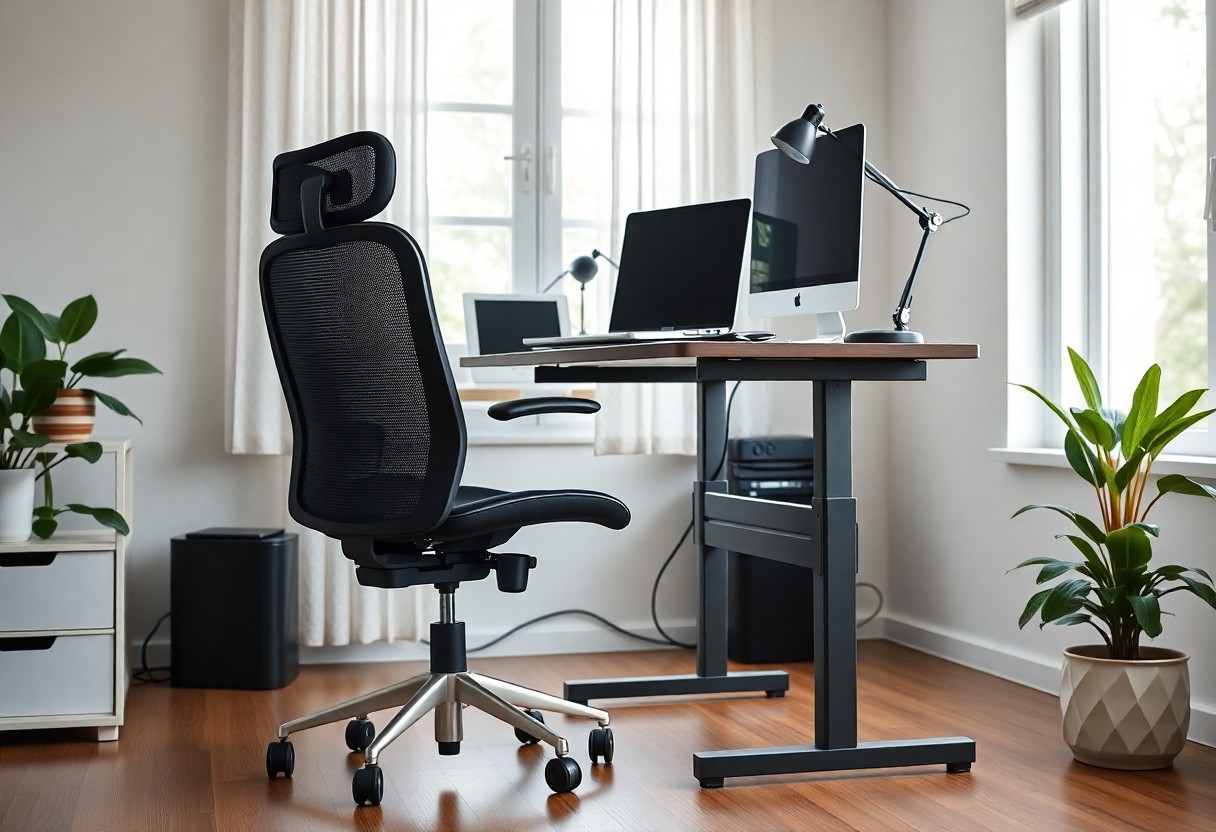
Choosing the right ergonomic accessories plays a vital role in maintaining your comfort and efficiency during remote work. You should consider an ergonomic chair that supports your lower back, promotes proper posture, and adjusts to your height. Additionally, a keyboard and mouse designed with ergonomic principles in mind can significantly reduce wrist strain, allowing you to work for longer periods without discomfort. Look for accessories that offer both support and flexibility, such as a standing desk converter, which allows you to alternate between sitting and standing while you work.
Incorporating footrests, monitor stands, and document holders can further enhance your workstation’s ergonomic setup. Footrests help in maintaining a neutral posture for your legs, while monitor stands ensure that your screen is at eye level, reducing neck strain. Investing in these accessories not only improves your physical health but also boosts your productivity, as you will experience less fatigue during your working hours.
Apps and Tools for Monitoring
Utilizing apps and tools designed for monitoring your ergonomic habits can streamline your shift towards a healthier work routine. Programs such as Stretchly remind you to take breaks at regular intervals, while f.lux adjusts your screen’s color temperature to reduce eye strain in low-light conditions. These tools are valuable in helping you maintain awareness of your posture and general health during extended periods of sitting.
Tracking your activity levels and posture through smart apps provides insights into your working habits. Programs like Uritask allow you to log your sitting time and suggest optimal positions based on your personal data. Furthermore, using fitness trackers to monitor daily movement can motivate you to integrate brief exercise sessions into your routine, ensuring that your day includes a balance of work and movement.
To wrap up
So, implementing proper ergonomics in your home office setup is important for maintaining your health and productivity. Ensuring that your desk, chair, and computer are positioned correctly can significantly reduce discomfort and prevent musculoskeletal issues. Take the time to assess your workspace, making adjustments to align your body and tools in a way that minimizes strain and maximizes efficiency.
Incorporating regular breaks and movement into your daily routine will further enhance your well-being while working from home. By prioritizing ergonomic practices and being mindful of your posture, you set yourself up for a more comfortable and productive remote work experience. Your workspace is an extension of your professional life, so invest the effort to enhance your comfort and performance.
FAQ
Q: What are the key elements of an ergonomic home office setup?
A: Key elements of an ergonomic home office setup include an adjustable chair that supports the lower back, a desk at elbow height, a monitor positioned at eye level, and using a keyboard and mouse that align with the wrists to reduce strain. Proper lighting and adequate space for movement are also important.
Q: How can I ensure my chair provides adequate support?
A: To ensure your chair provides adequate support, look for a chair with adjustable height, lumbar support that fits the curve of your lower back, and armrests that allow your shoulders to relax. Test the chair for comfort and adjust it according to your body dimensions for optimal support.
Q: What are some tips for maintaining good posture while working from home?
A: To maintain good posture while working from home, sit with your back straight and shoulders relaxed. Your feet should be flat on the floor, and your knees should be at a 90-degree angle. Regularly change your position, take breaks to stretch, and keep your screen at eye level to avoid neck strain.
Leave a Reply